The recline is the feature people fixate on when they're shopping for a gaming chair, and fair enough. It's the bit that looks fun in the photos, the chair tipped right back with someone's feet up on a footrest. But "reclines" can mean anything from a slight tilt to lying almost flat, and the number quoted on the listing tells you a lot more than the marketing photo does. This is a plain guide to what reclining gaming chairs actually give you, and how to make sure you're buying one that does what you want.
What a reclining gaming chair actually does
A standard office chair leans back a few degrees and that's your lot. A reclining gaming chair goes much further, letting you drop the backrest into a proper laid-back position rather than just a slight lean. The point isn't only comfort during play. It's the break between play.
When you hit a loading screen, finish a match, or just want to watch a stream without sitting bolt upright, tipping the chair back and resting your feet up is a genuine change of position. Sitting in one posture for hours is what causes the aches, so a chair that lets you shift between upright and reclined is doing your back a quiet favour. Some models go far enough that the chair doubles as somewhere to watch a film or grab twenty minutes of rest, which is more than you can say for most desk chairs.
Making sense of the recline angles
This is where the numbers matter, and they're easy to read once you know what they mean. The angle is measured from upright, so 90 degrees is sitting straight, and the bigger the number, the further back you go.
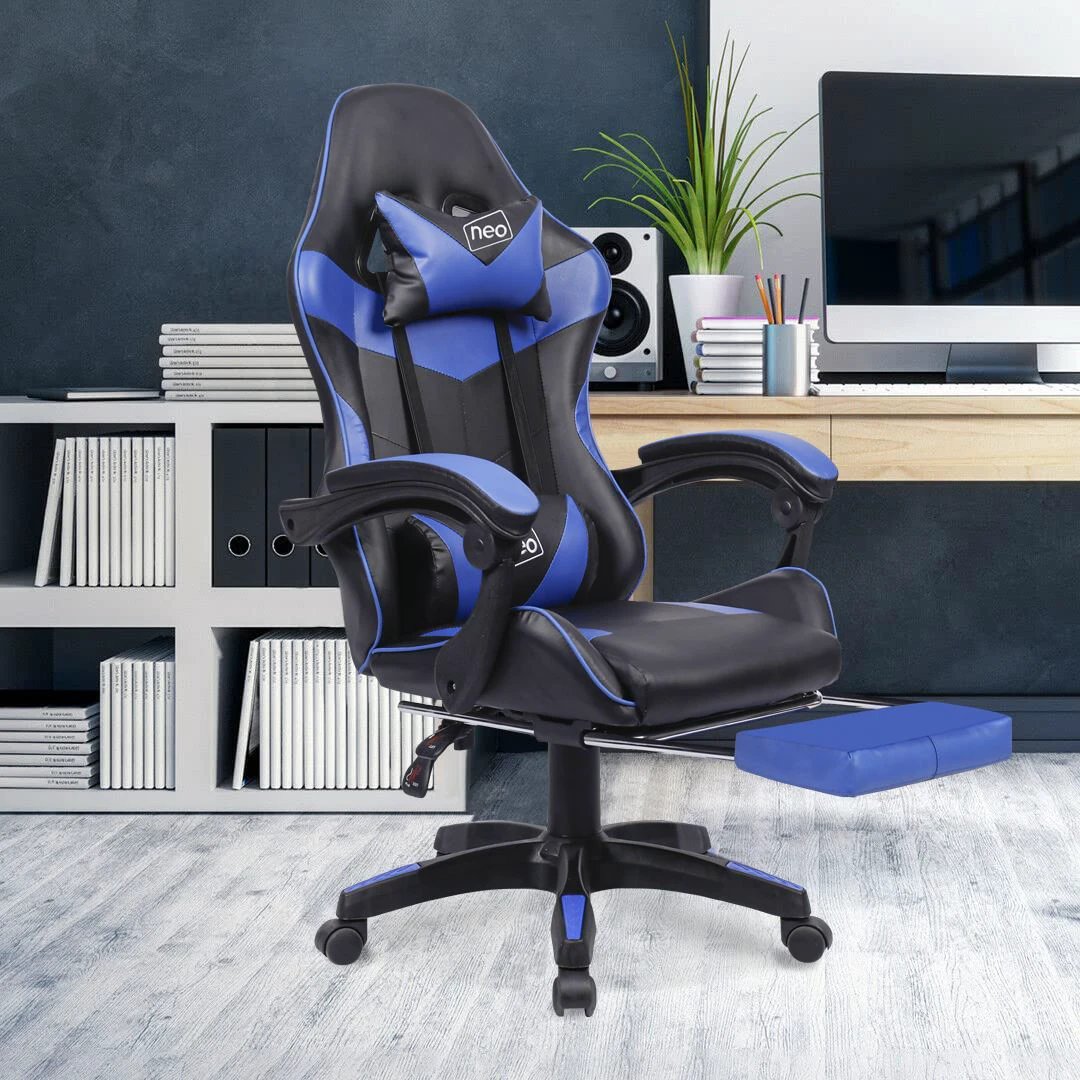
A lot of gaming chairs recline to around 135 degrees, which is a relaxed, leaning-back angle that's great for streaming, reading, or taking the weight off without going fully horizontal. Several of the racing-style chairs in our range sit in exactly this bracket, offering a 135 degree recline alongside an adjustable seat height. Then there are the chairs that go further, towards 160 or a near-flat 180 degrees, which turn the chair into something close to a proper recliner. A fully reclining model is the one to look at if you want to actually lie back rather than just lean.
Neither is better in the abstract. A 135 degree chair is plenty for most people and tends to feel more locked-in and supportive during play. A near-flat one is the pick if napping or fully stretching out is part of the plan. Decide which of those you actually want before you choose, because it's the single thing that most affects how the chair feels day to day.
The footrest question
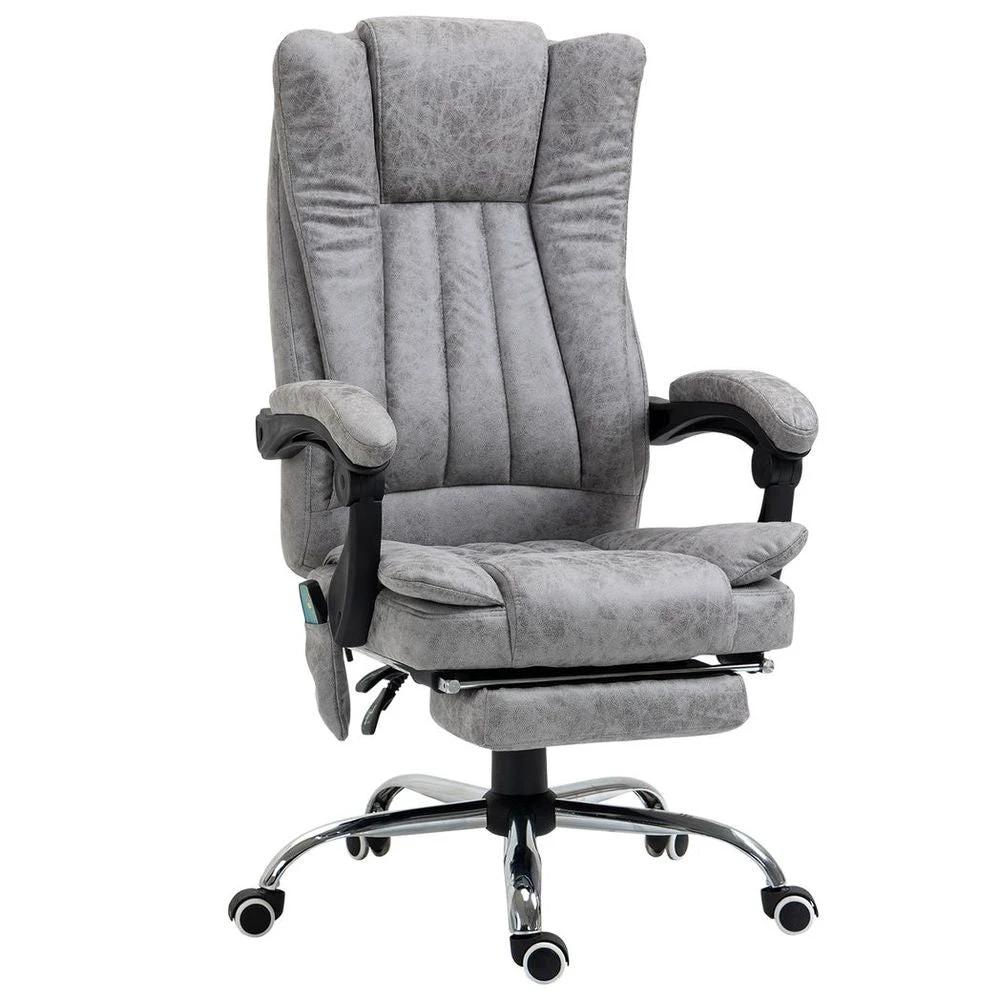
Most reclining gaming chairs come with a pull-out footrest tucked under the seat, and it changes the experience completely. Reclining without somewhere to put your legs leaves you half-lying with your feet dangling, which isn't restful. With the footrest extended, you get that full legs-up position that makes leaning back worthwhile.
The footrests are usually manual, so you pull them out by hand when you want them and slide them back when you're at the desk. They're not built for heavy daily standing pressure, so treat them as a place to rest your legs rather than a step. For anyone who plans to spend real time reclined, a chair with a footrest is worth prioritising over one without.
Don't let the recline distract from the basics
It's easy to get fixated on how far a chair tips back and forget the features you'll use every single minute you're sat in it. These matter more for long sessions than the recline does.
Lumbar support is the big one. A chair with adjustable lumbar support, often a small cushion you can move up and down, keeps the curve in your lower back and stops the slow slide into a slouch. A headrest does the same job higher up, supporting your neck so you're not craning towards the screen. Then there's the everyday mechanical stuff: gas-lift height adjustment so your arms sit level with the desk, a 360-degree swivel that matters more than you'd think with a multi-monitor setup, and smooth-rolling wheels. None of it is exciting, but a chair that gets these right is one you'll still be happy with in a year.
Build quality is worth a glance too. Most gaming chairs in the range take up to around 120kg, which is roughly 19 stone, and the listing will state the figure. Check the seat width and the height range against your own build, especially if you're tall or short, because a chair sized for an average frame can feel cramped or too low for someone outside that range.
Why PU leather suits gaming
Most of these chairs are finished in PU leather, and it's a practical choice rather than just a smart-looking one. It wipes clean in seconds, which anyone who games with snacks will appreciate, and it doesn't hold onto smells the way fabric can. It also tends to run cooler than padded fabric in a warm room, and it looks tidy enough to sit behind you on a video call. Colours run from the safe black and white that match most setups through to red, blue, pink and grey if you want the chair to stand out or tie in with RGB lighting.
Who a reclining gaming chair suits
If you spend long stretches at a desk, game or work from home, and like the idea of leaning right back between sessions, a reclining gaming chair earns its place. The recline and footrest give you a way to rest without leaving your seat, and the racing-style support holds you nicely during play.
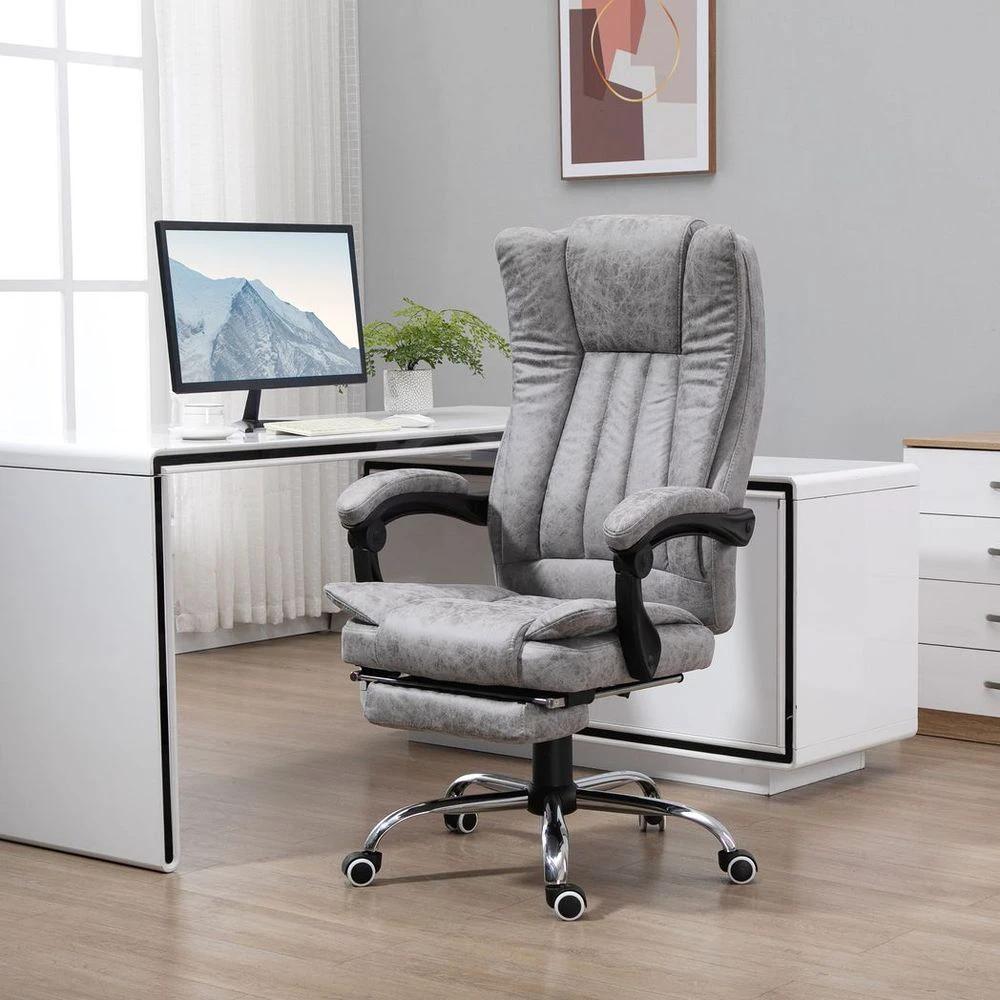
If you mostly want upright support for focused work and the gaming look doesn't appeal, a plainer reclining office chair or an ergonomic office chair might suit you better. And if full lying-back relaxation is the real goal, our recliners are built for exactly that. For most people who want one chair that handles both gaming and the odd bit of laptop work, though, the gaming chair is the versatile pick.
Assembly takes around half an hour with the tools provided, and the instructions are usually clear enough to manage solo. You can see the full gaming chairs range here, and they double up happily for general office use too. Free delivery applies on every order to UK mainland addresses, dispatched within 3 to 5 working days, with no hidden fees.