Reclining office chair versus ergonomic office chair. Search the question and you get a hundred articles that all do the same thing: list the features of each, hedge with "it depends", and leave you no closer to a decision. The hedge isn't wrong, but it's not useful. The honest answer is that the right chair depends on who you are and how you work, and once you know which working-style profile fits you, the choice is much simpler than the articles suggest.
This guide skips the long feature comparison and goes straight to that question. Five working-style profiles cover the vast majority of home and office workers. Find the one that matches how you actually spend your day, and we'll tell you which chair type wins, why, and which specific product in our range hits the brief.
The right chair depends on who you are, not which one is technically better. Both are good. The question is which one fits your day.
The two chair types in 90 seconds
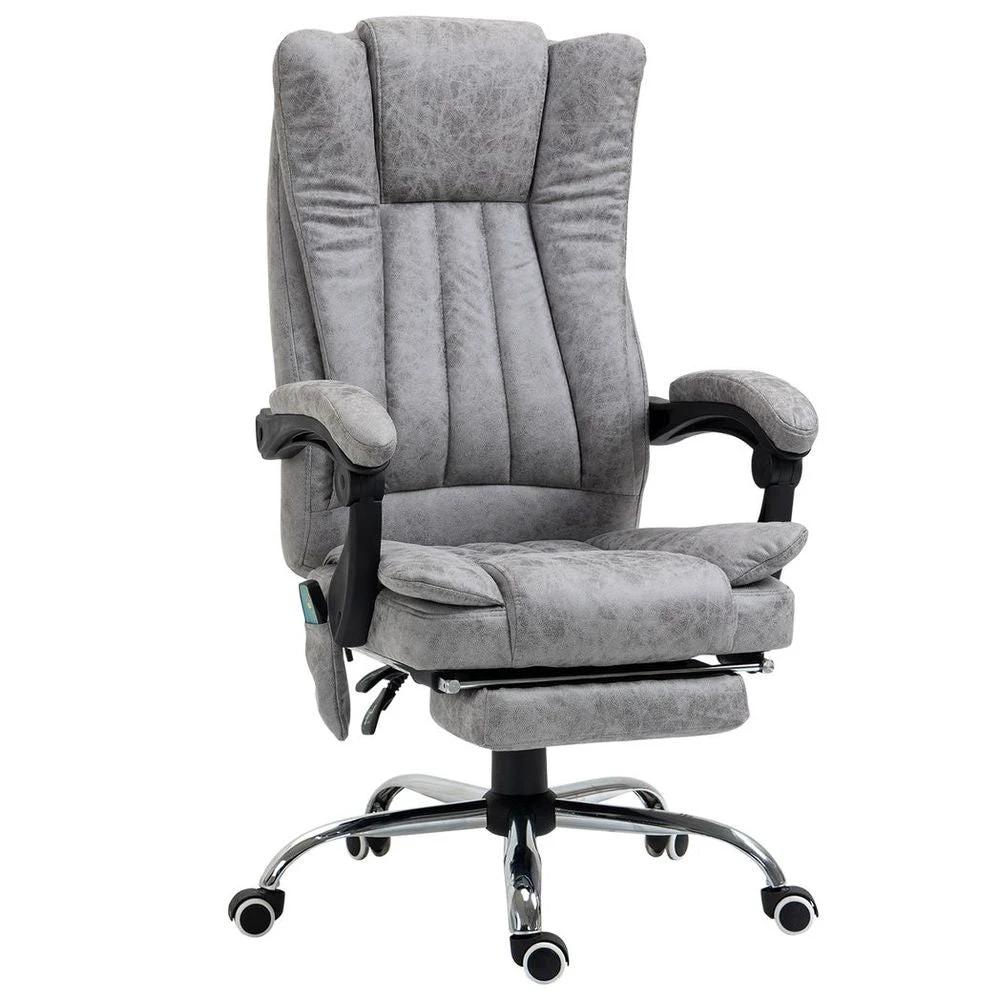
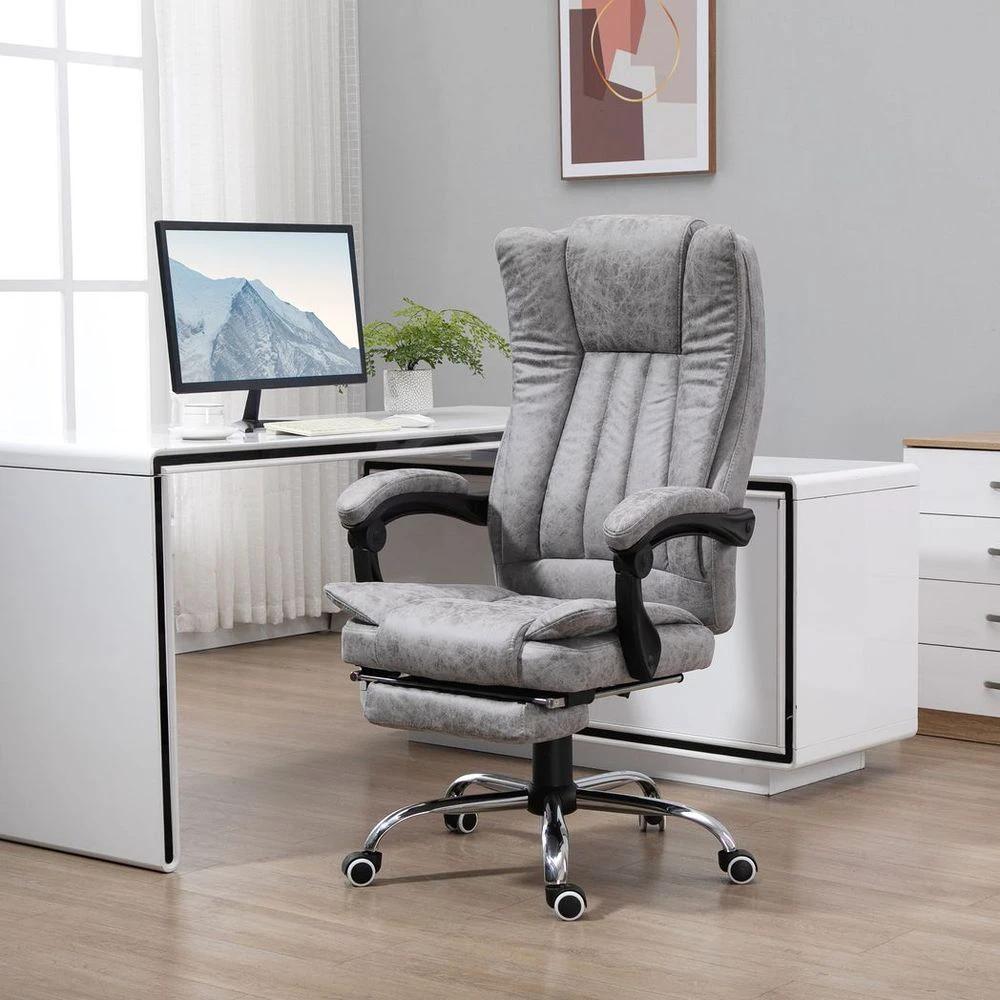
Before the profiles, a fast definition of what we're comparing, because the line between the two has blurred a bit. A pure ergonomic office chair is built around supporting you in an active, upright working posture: adjustable lumbar support, adjustable armrests, a breathable mesh back, and a focus on keeping your spine in its natural curve while you type or work. A reclining office chair is built around varying your position throughout the day: a back that tilts well past upright, often with a footrest for proper recline, and a strong emphasis on shifting weight and reducing the strain of staying in one fixed pose for hours.
The blurring happens because most modern ergonomic chairs include a recline function too. The HOMCOM Ergonomic Office Chair in our range, for example, has 3D armrests, a mesh back, full lumbar support, AND a 135-degree recline. So the real question isn't whether you want a chair that reclines. Almost any quality chair does, to some degree. The question is whether reclining is a feature you'll use occasionally or the central reason you're buying the chair in the first place. That's where the profiles come in.
PROFILE ONE
The deep-focus typist
You spend most of your day at the keyboard. Writing, coding, designing, modelling, working through documents. You sit upright because the work demands focus and your hands need to be at the keys. Breaks are stand-up-and-walk-around breaks, not lean-back-in-the-chair breaks. By 4pm your shoulders are tight and your lower back is starting to grumble.
For this profile, ergonomics matter more than recline angle. You're sitting in an active posture for hours and the chair needs to support that posture without you having to think about it. Adjustable lumbar support that you can fine-tune to your back's natural curve, armrests that hold your forearms parallel to the desk so your shoulders relax, and a mesh back that doesn't trap heat across a long sitting session. The recline function exists, but you might use it twice a day at most.
RECOMMENDATION: ERGONOMIC
The HOMCOM Ergonomic Office Chair with adjustable lumbar support, height-adjustable headrest, mesh back, 3D armrests, and class-three gas lift covers this profile well. The mesh back is the detail that matters most across a long working day. The Armless Ergonomic Office Chair from Bossy Cat's own range is the alternative if your desk doesn't accommodate armrests, with the same mesh back and a 6cm padded seat for comfort across long focused sessions.
PROFILE TWO
The all-day video caller
Your day is meetings. Calls, video conferences, presentations, the occasional bit of work between them. You're in front of the camera, which means upright posture during calls, but you're in the chair for ten hours straight. The combination of constant alertness and constant sitting is what wears you down.
This profile genuinely benefits from a chair that does both jobs well. You need ergonomic support for the upright call hours (lumbar, armrests, mesh) but the ability to shift position between calls is what actually saves your back. A reclining function gets used during the gaps for ten or twenty minutes at a time, then you're back upright for the next call. The chair needs to do both transitions smoothly.
RECOMMENDATION: HYBRID (ergonomic with strong recline)
The HOMCOM Ergonomic Mesh High Back chair with adjustable lumbar, rotatable headrest, 90 to 135 degree recline, and an extendable footrest is built for exactly this kind of mixed-mode day. The 116 to 128cm height adjustment lets you set up at your desk for calls, and the footrest plus full recline give you the proper between-meeting break without leaving the chair. For this profile, a hybrid that does both jobs is the right answer rather than committing to either pure type.
If your day mixes intense focus and proper breaks, you don't need to choose between reclining and ergonomic. A hybrid is the honest answer.
PROFILE THREE
The reader, the researcher, the thinker
Your work is heavy on reading and thinking. Long documents, research papers, briefs, planning sessions, time spent staring at a screen processing rather than typing. You shift position constantly because nothing in the task forces you upright. You'd be on a sofa if a sofa didn't ruin your back. By the end of the day you've spent hours leaning back, feet up, thinking.
This is reclining territory, and it's the profile most often forced into an unsuitable upright chair because that's what people picture an "office chair" being. A reclining office chair with a proper backrest range and a footrest lets you do the lean-back-and-think posture without the back consequences of an actual sofa. You stay supported, your spine stays in alignment, but you can spend hours at the angles your brain actually prefers.
RECOMMENDATION: RECLINING
Look for chairs that recline meaningfully (135 degrees and beyond, rather than just a small tilt), include a proper footrest, and have a high back that supports your head when reclined. The Gaming Chair Ergonomic Reclining with manual footrest in our range covers this well, despite the gaming label. The high back, footrest, and significant recline make it ideal for the long-reading working day, even if you've never played a video game in your life. Executive-style reclining chairs work too if the gaming aesthetic isn't for you.
PROFILE FOUR
The back-pain manager
You have an ongoing back issue. Maybe an old injury, maybe chronic pain, maybe a recent flare-up that's reshaped how you sit. Your relationship with chairs is functional and serious. You're not buying a chair, you're buying pain management. Comfort matters less than the right support, and the wrong chair makes everything worse for hours after you stand up.
This profile is where the line between reclining and ergonomic stops mattering and a third option becomes worth considering. Massage office chairs aren't gimmicks. The vibration function genuinely loosens tight muscles across the lower back and shoulders, the recline lets you take pressure off without leaving the chair, and the lumbar support holds you in alignment when sitting up to work. For chronic back issues, the combination is more useful than either pure type alone.
RECOMMENDATION: MASSAGE OR PREMIUM ERGONOMIC
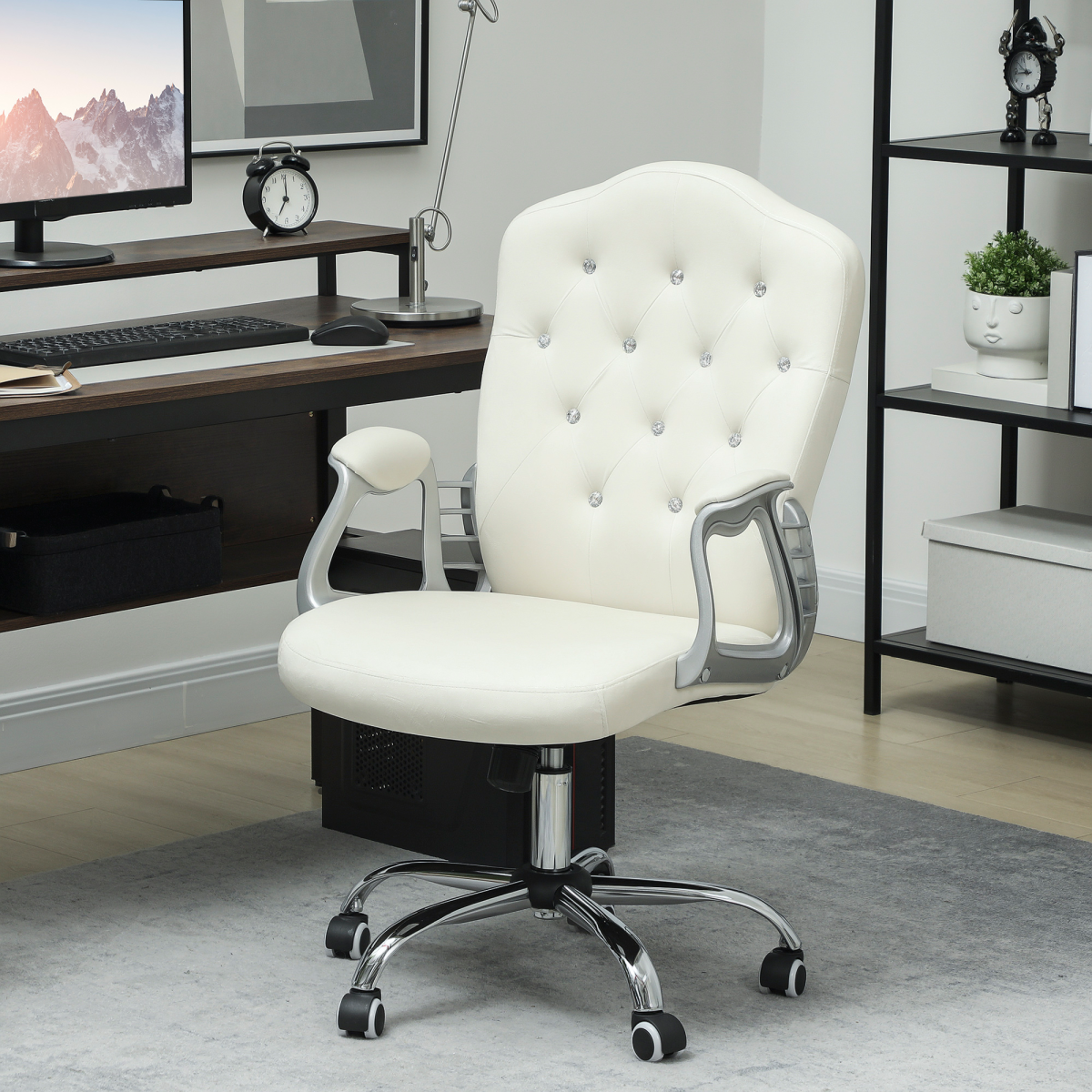
The Vintage High Back Heated Massage Office Chair with six vibration points and a 135-degree reclining backrest in our range targets exactly this need: vibration along the back, heat for tense muscles, multiple resting positions, supportive padding. The Premium Ergonomic Massage Office Chair with a height-adjustable lumbar that moves up/down and forward/back, paired with a breathable mesh back, is the alternative if you want serious adjustment plus massage without committing to a fully reclining design. The massage office chairs collection covers both directions.
PROFILE FIVE
The hybrid worker
Your work pattern is variable. Some days are focused typing, some are call-heavy, some are reading and thinking. You also occasionally use the chair for non-work activities (gaming, watching something on the second screen, taking a quick rest between tasks). One chair has to cover all of it because there's only room for one chair in your home office.
This is the most common modern home-working profile and it sits squarely between the pure types. You need ergonomic support for the days that demand it and meaningful recline for the days that don't, in one chair. The good news is that the chair industry has caught up with this reality. The best modern chairs are deliberately built to do both jobs well rather than excelling at one.
RECOMMENDATION: HYBRID (ergonomic with full recline)
The HOMCOM Ergonomic Office Chair (3D armrests, 135 degree recline, mesh back, height adjustment) is the safe pick for this profile. It works as an ergonomic chair when you need one, reclines properly when you don't, and the mesh back handles the hot days that a leather executive chair would suffer through. For hybrid workers, the goal isn't to find the best ergonomic or the best reclining chair. It's to find the one that does both jobs well enough that you never wish you'd bought the other.
The quick reference
If you skimmed the profiles, here's the summary:
Three things that matter at every profile
Whichever chair type you settle on, three features genuinely matter and shouldn't be compromised.
- Height adjustment that goes through the range you actually need. Most quality chairs adjust between 90cm and 120cm or thereabouts. Your feet should rest flat on the floor with your knees at roughly a right angle when seated, so check the height range against your desk height and your leg length.
- A weight capacity rating that comfortably covers you. Most chairs in our range support 120kg, which suits the vast majority of users. A chair that doesn't state a capacity is often hiding a low one.
- Wheels that suit your floor. Most modern chairs use PU wheels that work on both hard floors and short-pile carpet. Thick or shaggy carpet may need carpet-specific casters or a chair mat. Check before buying if your home office has unusual flooring.
Pick your profile and pick your chair
The profile that matches you should make the chair type obvious. Deep-focus typists go ergonomic, readers and thinkers go reclining, back-pain managers should look hard at the massage range, hybrid workers benefit from a quality ergonomic-with-recline. Then within that type, choose the specific chair based on the secondary features (armrests, headrest, padding, finish) that matter for your room and your taste.
The reclining office chairs and ergonomic office chairs collections cover both directions, with the massage office chairs collection picking up the back-pain managers. If you're new to home-office buying or you're putting together a complete setup rather than just replacing the chair, our home office setup pillar walks through the desk, chair and storage decision as a whole. For more on how to evaluate a recliner specifically (mechanism quality, lumbar adjustment, materials), our existing recliner office chair guide goes deeper on that one chair type.
Free UK mainland delivery applies on every order, dispatched in three to five working days, with no hidden fees. Office chairs arrive with the mechanism pre-installed, so assembly is a matter of connecting the base, seat and back, usually 15 to 20 minutes with one person. The chair is ready to sit in by the end of the afternoon it arrives.